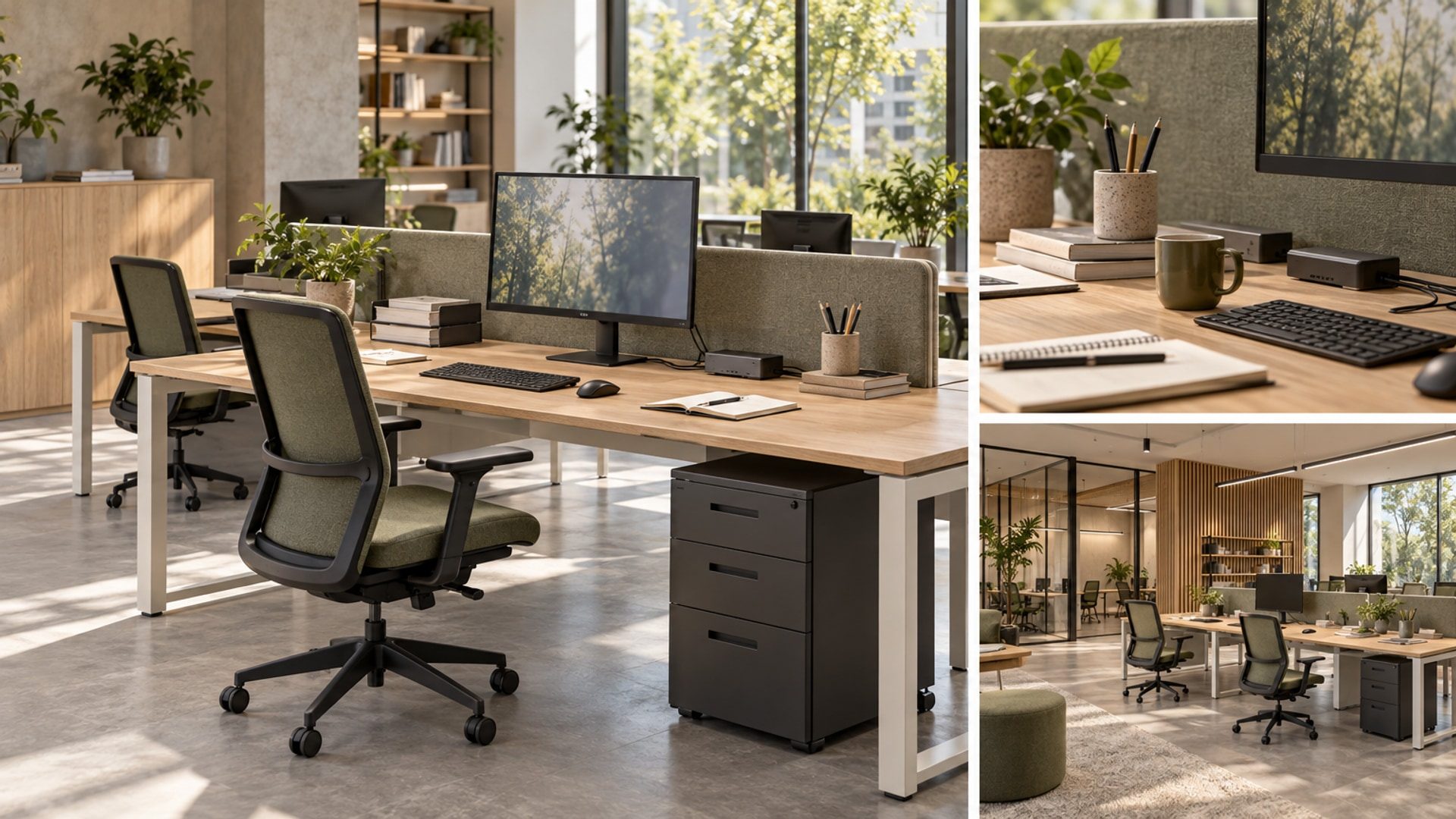
AI-generated editorial illustration. A hypothetical workstation review: the chair, desk and equipment need to be considered together.
Replacing a chair leaves much of a workstation unchanged. The keyboard still sits at the same height. The monitor base still occupies the back of the desk. A pedestal still limits where the chair can approach, and the screen still faces the same bright window. Workplace ergonomics needs a review of those relationships, not only a better furniture item. Before approving a chair, put it beside the proposed desk with the equipment that will actually be used. Ask what the person can adjust, what remains fixed and whether resolving one difficulty creates another.
Consider a hypothetical shared workstation used at different times by two people with different seating and equipment preferences. It has an adjustable task chair, a monitor, external keyboard and mouse, a laptop dock and documents used alongside the screen. Compare a fixed-height desk with a height-adjustable alternative using that same equipment. This is an illustrative design review, not a Blucap project, tested installation or individual ergonomic assessment. The recommendations concern planning and specification; selected-product instructions and appropriately qualified advice must resolve product limits, individual accommodation needs and persistent discomfort.
Start with the person and the task
Describe the work before choosing the furniture. Does someone mainly type, compare documents with a screen, draw, or move between calls and written notes? Which equipment stays at the desk, and what does each person bring? In the hypothetical example, one user works mainly on screen; the other regularly places an open document beside the keyboard. Review both arrangements rather than furnishing for the tidier one. Ask representative users to take part, including people with specific access requirements. A single demonstration by the person purchasing the chair is not enough to establish suitability for everyone sharing it.
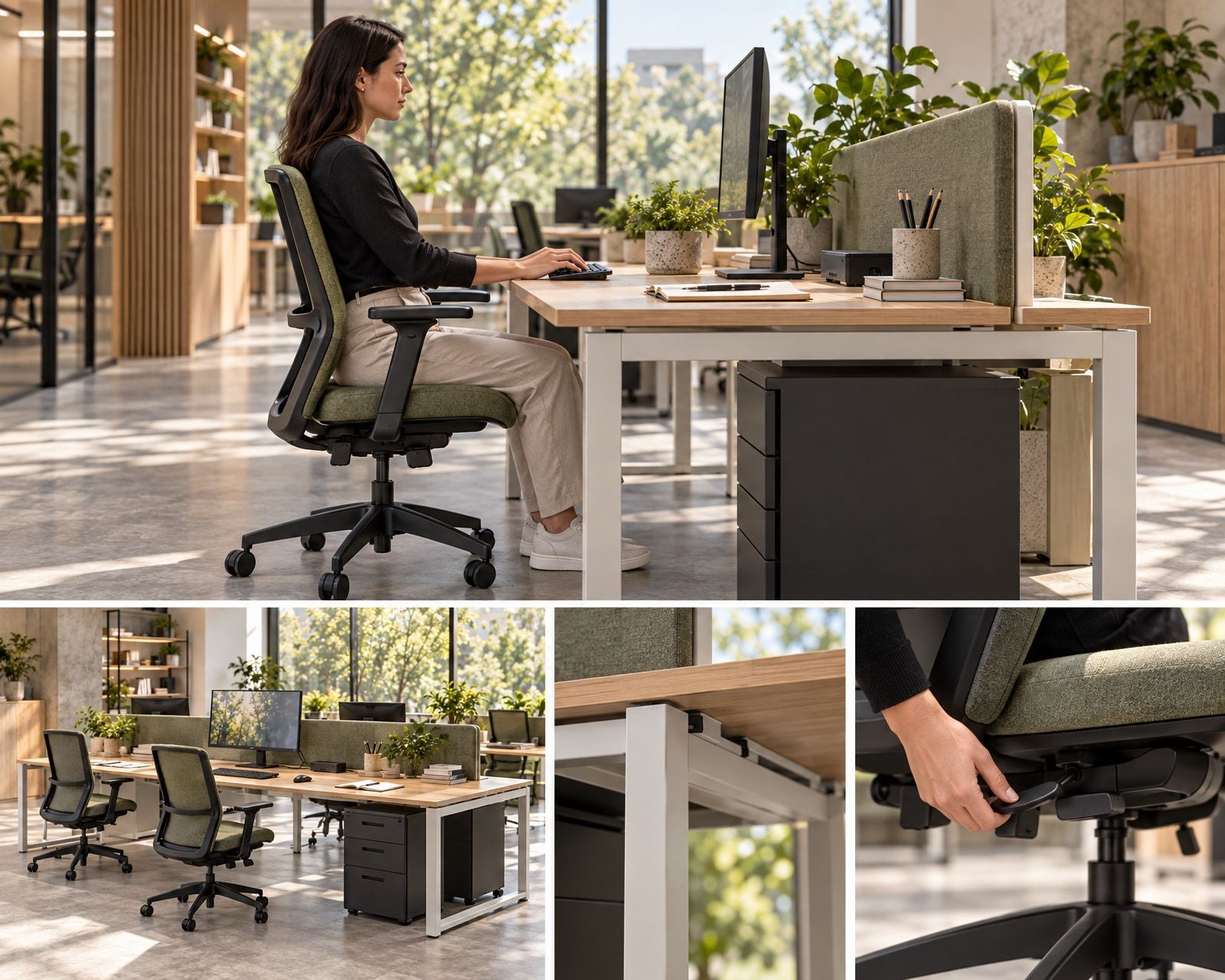
Review the chair’s controls with the person seated and the selected manufacturer’s instructions available. Explore seat height, seat depth where adjustable, back support and armrest positions as connected choices rather than a prescribed pose. Ask whether the controls can be identified and reached, whether the seat provides usable support and whether the armrests prevent the chair approaching the worktop. In the hypothetical fixed-height arrangement, raising the seat to reach the keyboard changes the relationship between the feet and floor. Assess foot support at that setting instead of assuming that chair adjustment has completed the setup.
Where a foot support is proposed, try it with the chair, desk frame and the user’s normal movements. Check its position, stability, adjustment and whether it displaces the feet into another obstruction. Do not use it to disguise an otherwise unsuitable assembly. Draw the approach to the desk and the chair pulled back as well as occupied. The wider questions of entering, moving through and participating in a workplace belong in Making Workplaces Actually Usable. Here, keep the review close to the seat, worktop and working equipment, without treating that smaller review as proof of accessibility.
Desk depth is not usable depth
Lay out the actual objects on the proposed worktop. Include the monitor base, keyboard, mouse, dock, cables and documents rather than a screen floating above an empty surface. In the hypothetical workstation, compare the space remaining with the monitor on its supplied base and with a compatible arm under consideration. Test where the keyboard and mouse can sit while the document remains readable and reachable. The nominal desk depth is only the starting dimension. Approval should follow a review of the area left for work once equipment, its supports and cable provisions are present.
Ask each user to review the screen position while carrying out representative tasks. Explore adjustment of position, height and tilt alongside text size and the software being used; do not prescribe one viewing distance or screen height for everyone. For a laptop connected to the monitor, establish whether its own display is also used and where it sits. If an arm is proposed, confirm the exact monitor’s compatibility, supported configuration and movement envelope. Obtain the arm and worktop manufacturers’ attachment requirements. A clamp drawn at the desk edge does not establish that the selected top can accept it.
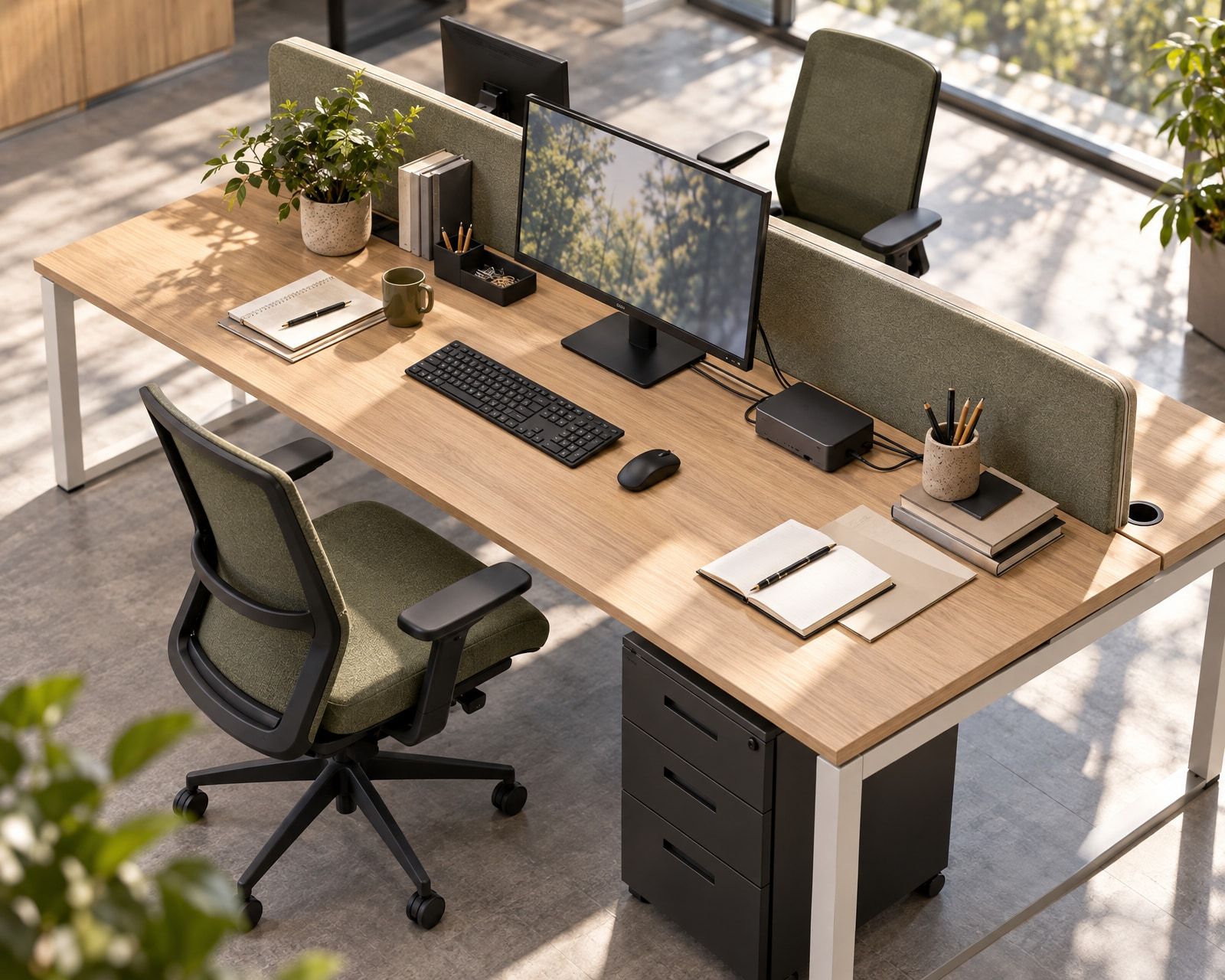
Then look underneath. Show the desk frame, crossrails, cable basket, power equipment and any pedestal in section and plan. In the illustrative review, try the pedestal beside the desk rather than beneath it and compare the resulting approach and storage access. Include the place for a bag instead of allowing it to occupy whatever space remains for the feet. Check the route behind the chair in its working and pulled-back positions, with neighbouring desks occupied. Improving keyboard reach should not depend on moving the user into the passing route or leaving the chair unable to approach the worktop.
Review the working surface with equipment on it, and the space below with the chair in use.
Compare what actually adjusts
Keep the equipment and tasks constant when comparing the two hypothetical desk options. At the fixed-height desk, the worktop stays in one position while the chair, screen and input devices offer whatever adjustment their selected products allow. Ask both users to establish a workable arrangement and record what remains unresolved. A foot support might be part of one person’s setup; another person may need a different relationship between seat and worktop that this desk cannot provide. Do not describe the fixed-height option as suitable simply because the chair has a long list of controls.
At the height-adjustable alternative, review the worktop movement alongside chair and screen adjustment. Obtain the selected desk’s operating range, loading conditions and instructions rather than assuming that any adjustable mechanism accommodates the intended users and equipment. Try the required working positions with the complete arrangement present. If standing work is intended, review that state separately, including keyboard, mouse and screen relationships. Neither a raised desktop nor an adjustable label establishes a suitable setup. The comparison should identify which relationships each option can change and whether those changes are useful to the people who will share it.
Trace cables through the proposed desk movement. Include power, data, monitor connections, dock leads and anything attached to fixed services. Ask the supplier to resolve cable lengths, routing, restraint and connection arrangements for the selected configuration. Review nearby storage, window ledges, partition screens and adjacent worktops for possible interference. Show where controls remain reachable and how their operation relates to the chair armrests. Keep this a coordinated supplier review: do not improvise electrical extensions or rely on an illustration to establish safe movement. Check the installed arrangement against the manufacturer’s instructions before making it available for use.
Use the comparison to make a specific decision, not a ranking of furniture categories. Record whether each hypothetical user can reach a useful setup, what accessories are needed and which adjustments must be repeated at handover. Compare cleaning access, replaceable components, servicing responsibilities and the space occupied by each frame. A fixed-height desk should remain under consideration only if the proposed assembly meets the brief; an adjustable desk should earn its place through useful, operable adjustment. Where neither arrangement works, change the specification or provide an appropriate alternative rather than asking the user to tolerate the unresolved relationship.
Read the screen from the working position
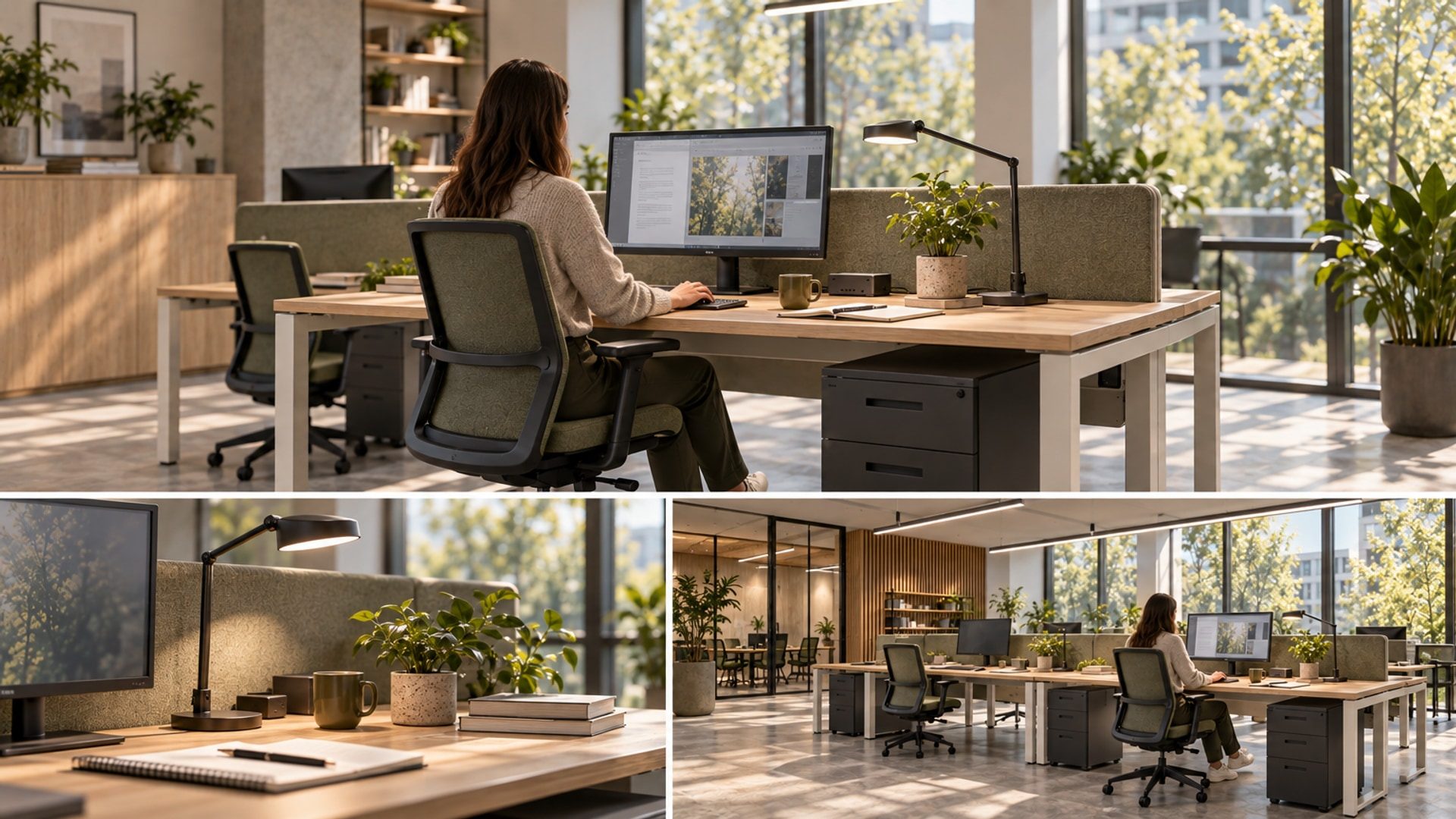
Review light with the screen in use, not as a dark rectangle in a furniture drawing. Sit at the hypothetical desk and examine the monitor with representative content displayed. Look towards nearby windows and ceiling fittings, then inspect what appears reflected in the screen. Repeat the review at relevant times of day and at the proposed desk and monitor settings. Try changes to orientation, shading and fitting position before assuming that screen brightness is the answer. Record the conditions reviewed so a favourable moment is not mistaken for a complete account of the workstation’s lighting.
Include the paper task. Position a proposed task light with the document, keyboard and monitor present, and examine the source from the user’s working position. Check whether the hand or equipment shadows the page, whether the source appears in the screen and whether its base takes space needed for the mouse or document. Repeat after desk adjustment and for each user’s arrangement. Review the worktop sample under the intended light as well. A matte-looking finish is a reason to inspect a sample, not evidence that every reflection has been resolved.
Keep lighting approval connected to the installed furniture and equipment. If the desk or screen moves during coordination, reopen the affected lighting review. The Hidden Cost of Poor Lighting considers the wider relationship between sources, surfaces and glare; this workstation review asks where those relationships meet a screen and an open document. Equally, equipment adjustment does not answer every question about the workplace setting. How Office Design Encourages Focus Without Isolation addresses the broader choice of places to work. Keep those spatial decisions distinct from whether this particular desk can be set up.
Make the reset part of the specification
In the hypothetical shared arrangement, ask the second user to take over without a verbal explanation from the first. Can they identify the chair controls, reposition the monitor and arrange the input devices using the supplied instructions? Is the foot support available where needed? Keep guidance short, legible and specific to the installed products, with a clear route for requesting help. Avoid prescribing a single set of positions for everyone or making the user restore a showroom arrangement between visits. The handover exercise should reveal which adjustments are understandable and which still depend on guesswork.
Review cleaning with the facilities team and the selected care instructions. Include the worktop edge, chair covering, controls, monitor support and the area around the dock. Ask which objects can be moved during routine cleaning and how they are returned without disturbing connections or settings unnecessarily. Establish care-product compatibility for the actual finishes rather than approving a material family as universally resistant. Keep ordinary cleaning separate from electrical or mechanical servicing. Staff should know whom to contact for a loose monitor support, damaged cable, unreliable control or chair adjustment that no longer holds.
Before ordering, retain the product identities, confirmed adjustment information, attachment details and agreed accessories in one coordinated record. If a chair, worktop or monitor arm is substituted, repeat the affected review rather than accepting visual similarity. After installation, check controls, equipment fit, cable movement and access against the agreed information. Retain current instructions, care requirements and replacement-part contacts for facilities staff. A representative trial can identify a conflict or an unclear control; it is not a clinical assessment or certification. Individual requirements that remain unresolved need an appropriate assessment, not another illustration of an apparently correct posture.
Closing thought
Return to the hypothetical workstation with each user’s normal equipment and documents present. Ask them to set up the chair, input devices and screen, then explain what they still cannot adjust. Follow each difficulty across the assembly: a keyboard position leads back to the worktop; a screen position leads back to its support; a chair position leads back to the frame and the route behind it. The useful outcome is a clear record of resolved relationships and remaining needs. It is not a promise that a particular furniture purchase will prevent discomfort or improve productivity.
The chair still deserves careful selection. So do the surface it approaches, the equipment above it and the space around its user. Review them together before procurement, and preserve that coordination through installation and everyday handover. For readers developing these questions into a workplace project brief, Blucap’s Commercial Interiors page is the related service route. The design question comes first: can the person change the workstation to suit the work without moving the conflict somewhere else?